Help centre
How can we help?
Step-by-step guides and short answers. Still unsure? Write to us.
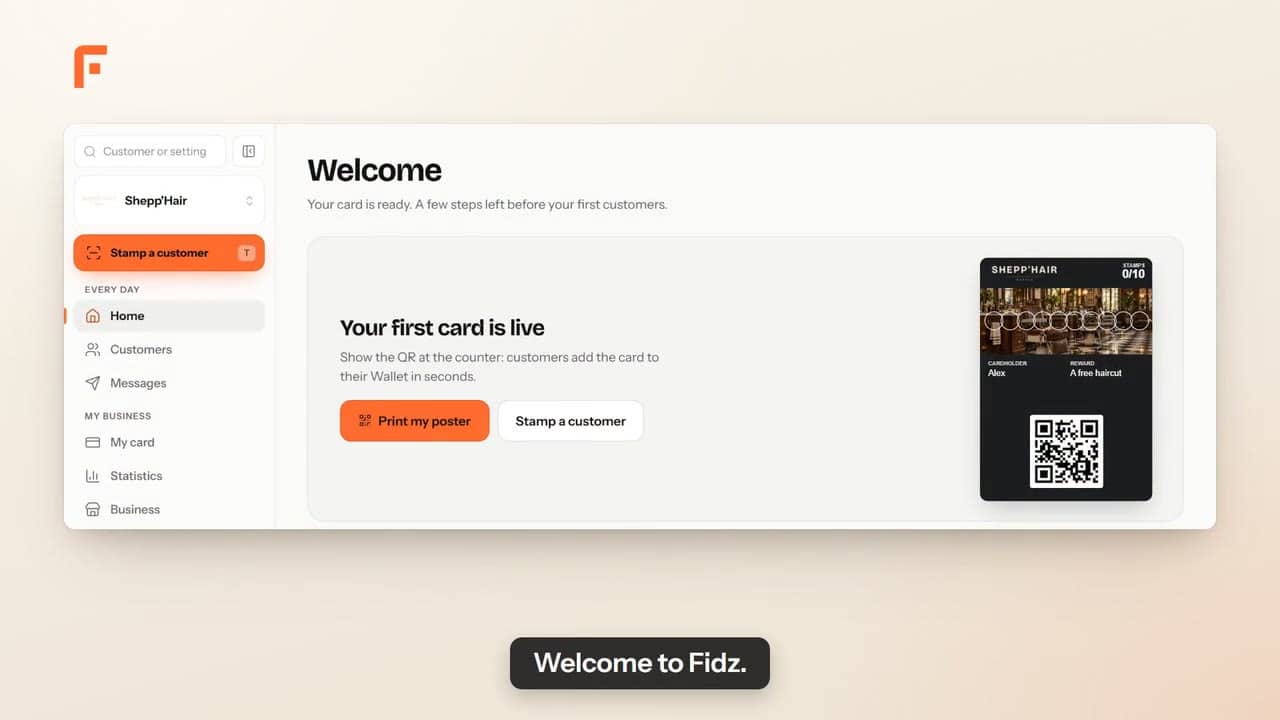 Fidz overview1 min 11 s
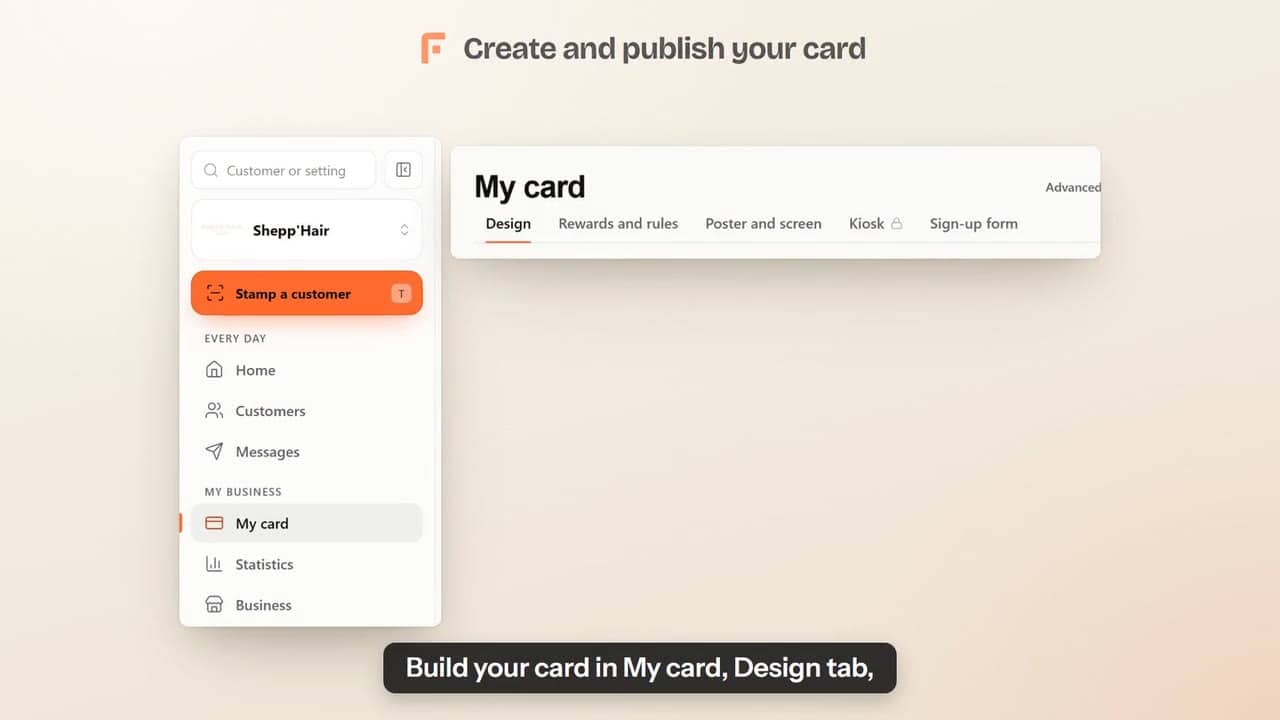 Create and publish your card32 s
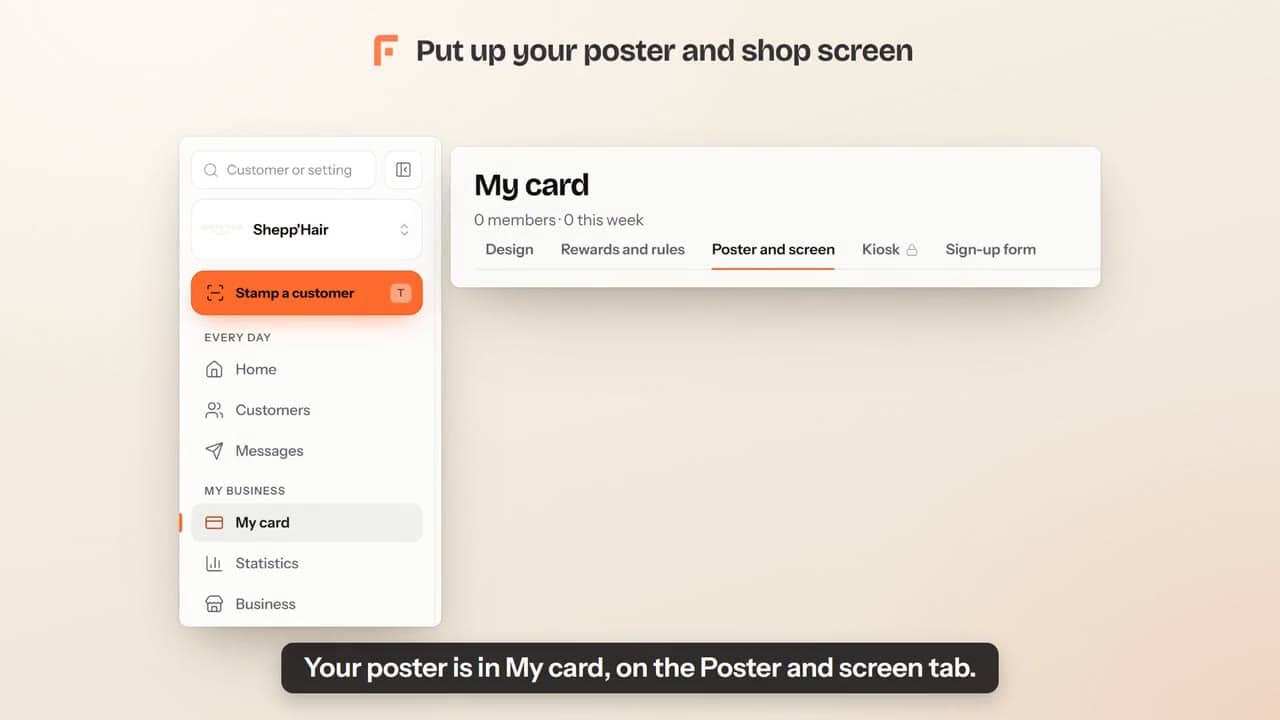 Put up your poster and shop screen37 s
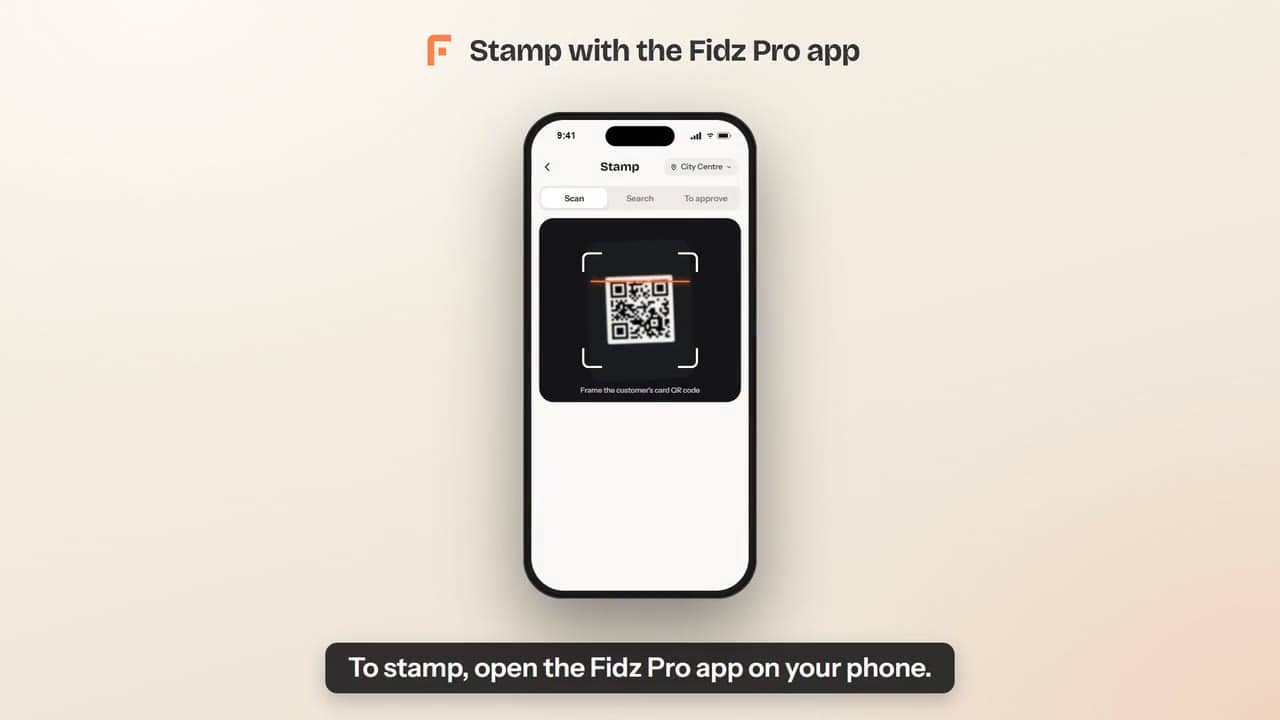 Stamp with the Fidz Pro app41 s
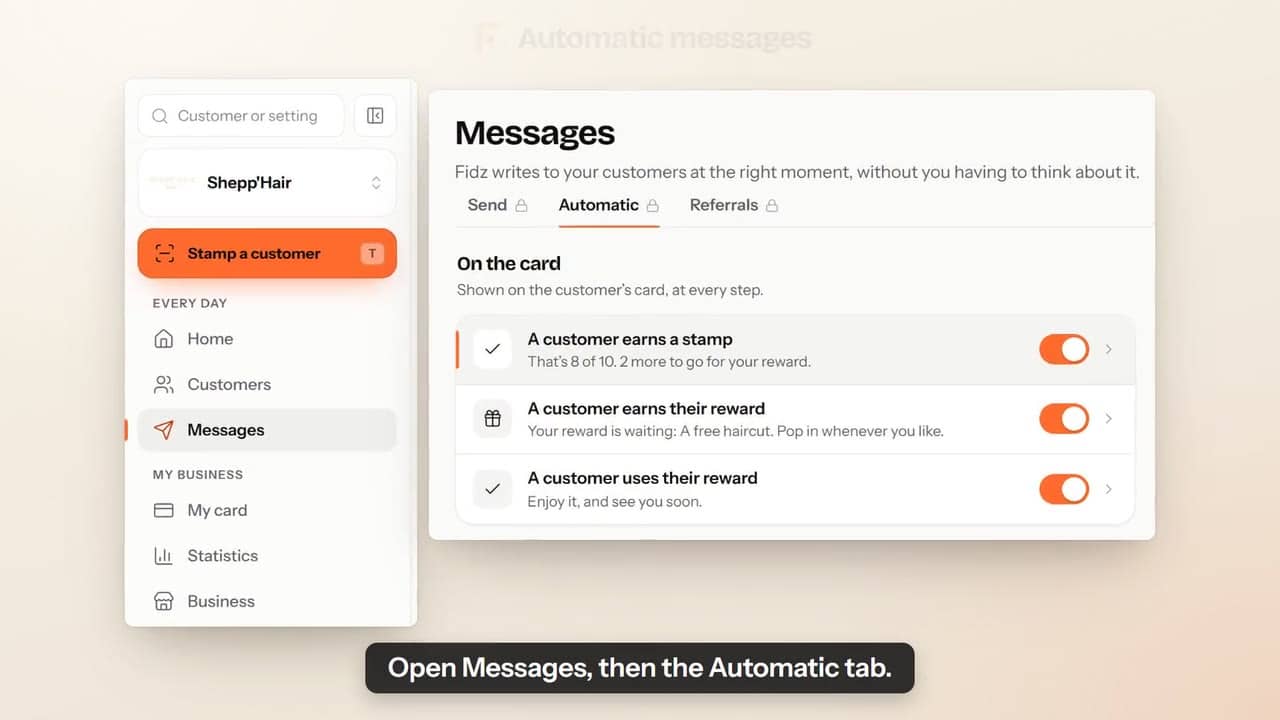 Automatic messages33 s
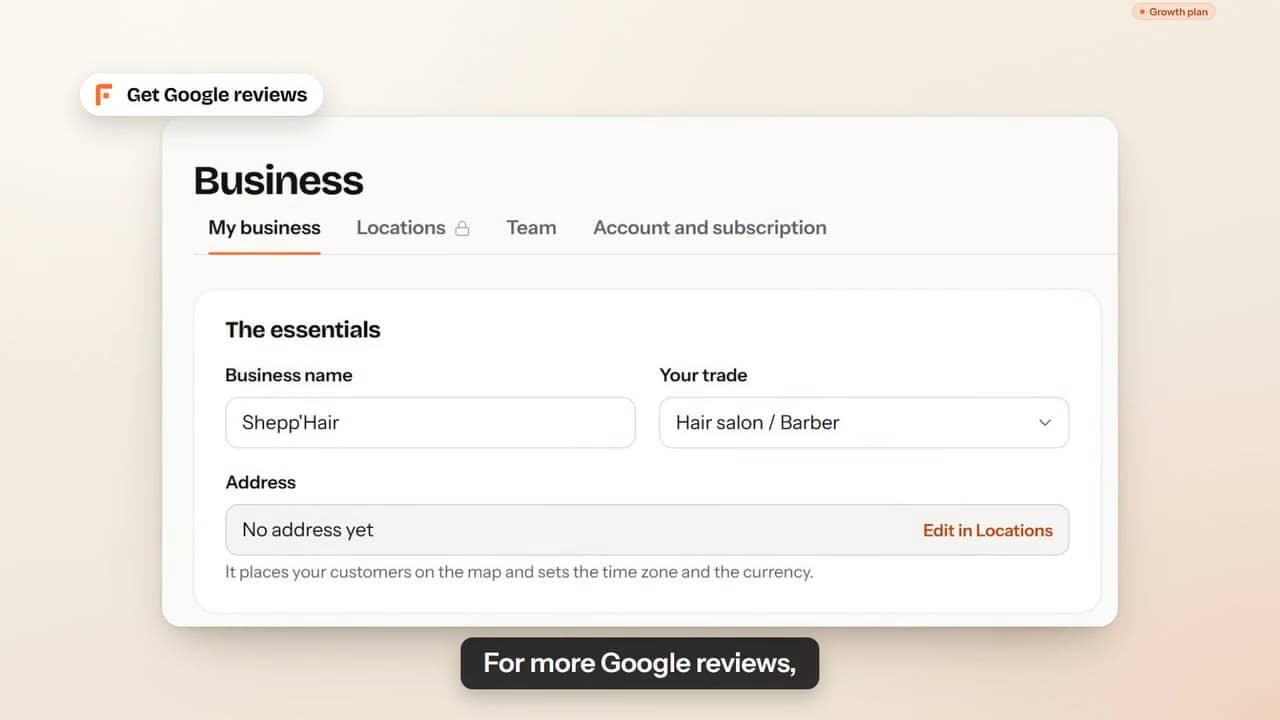 Get Google reviews35 s
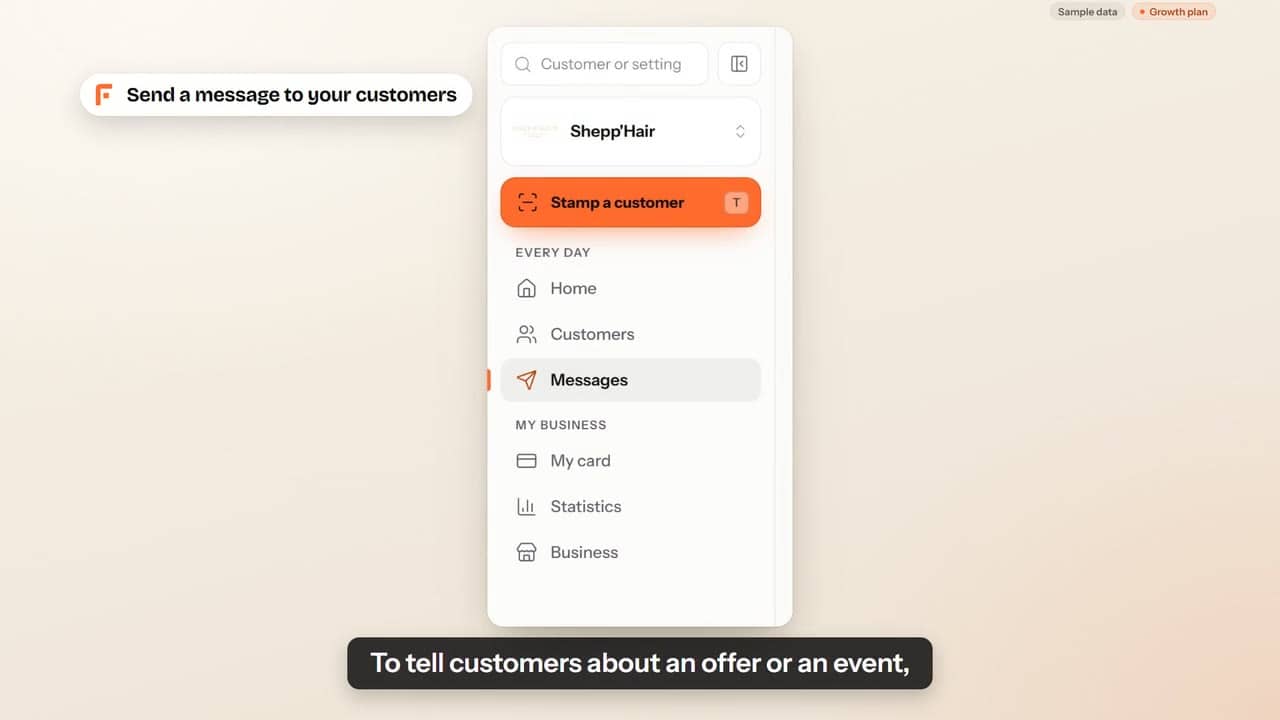 Send a message to your customers32 s
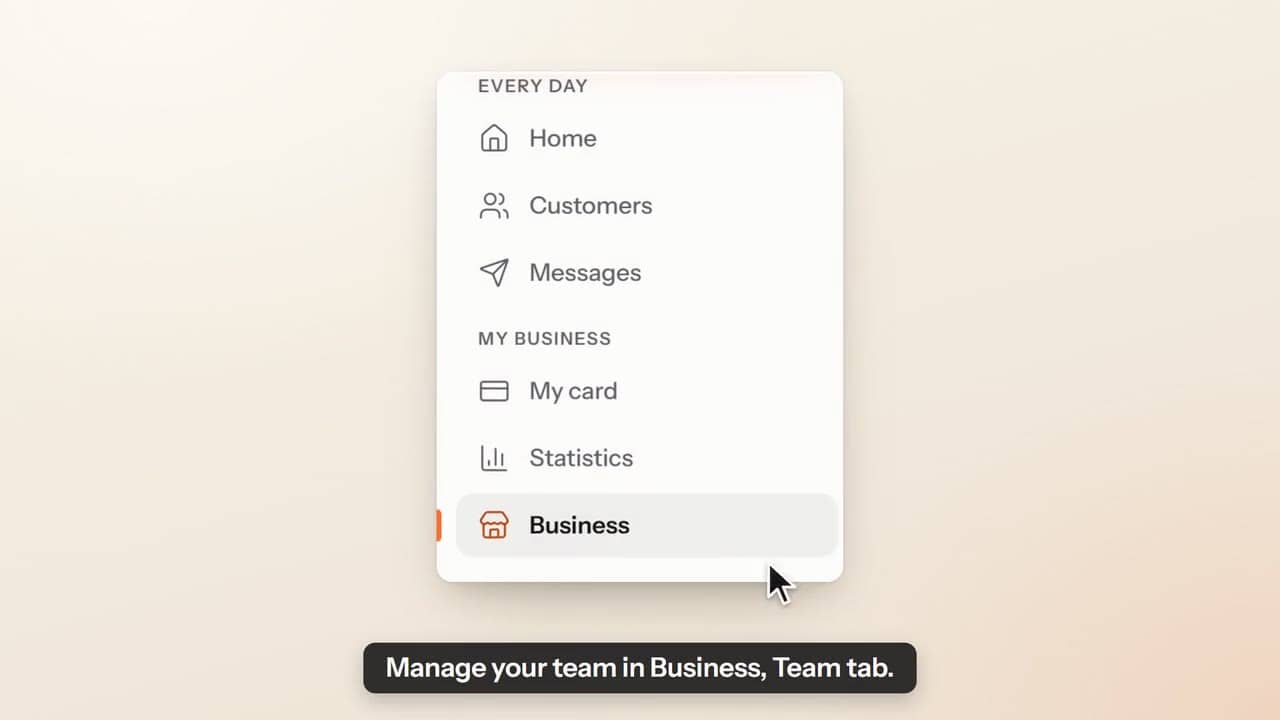 Add your team34 s
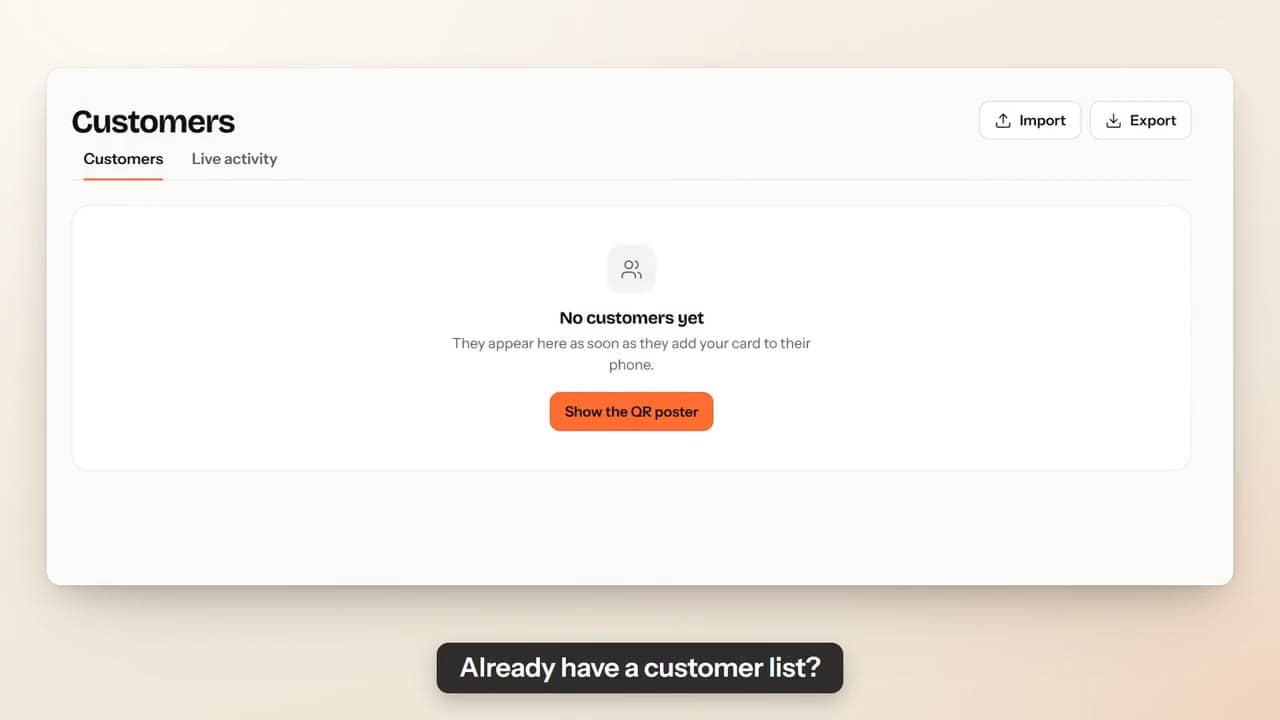 Import your existing customers26 s
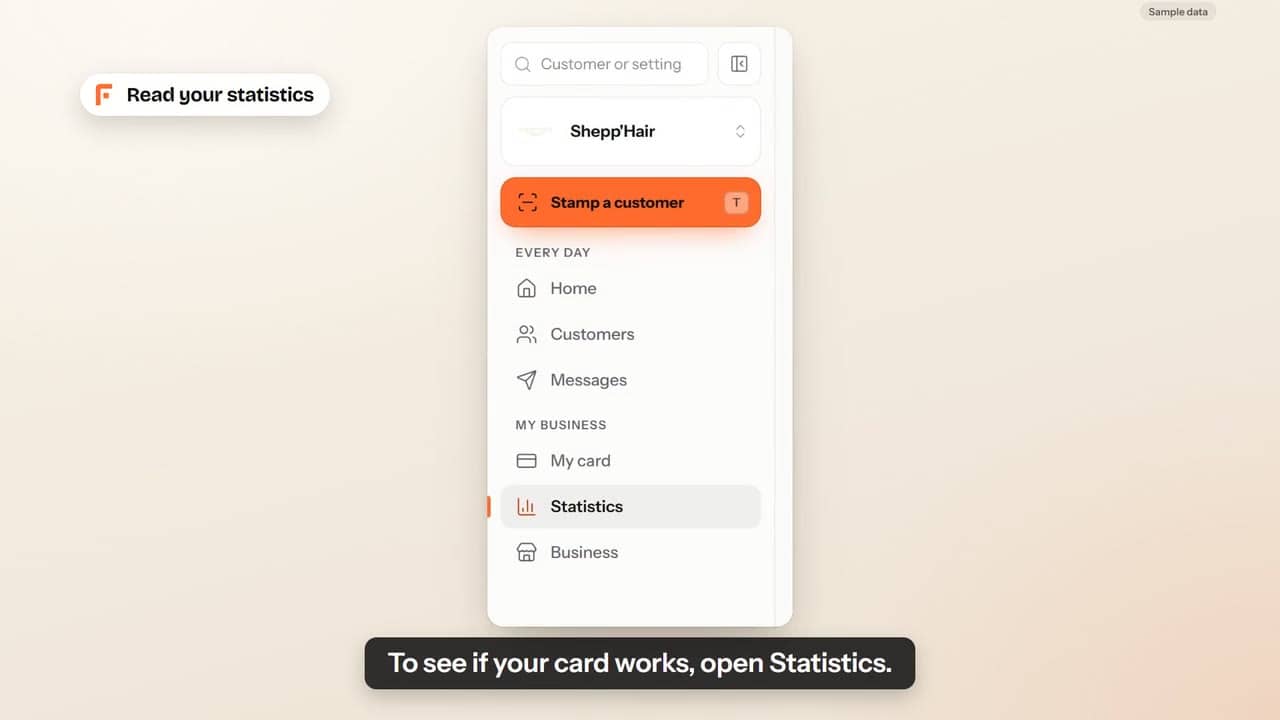 Read your statistics30 s
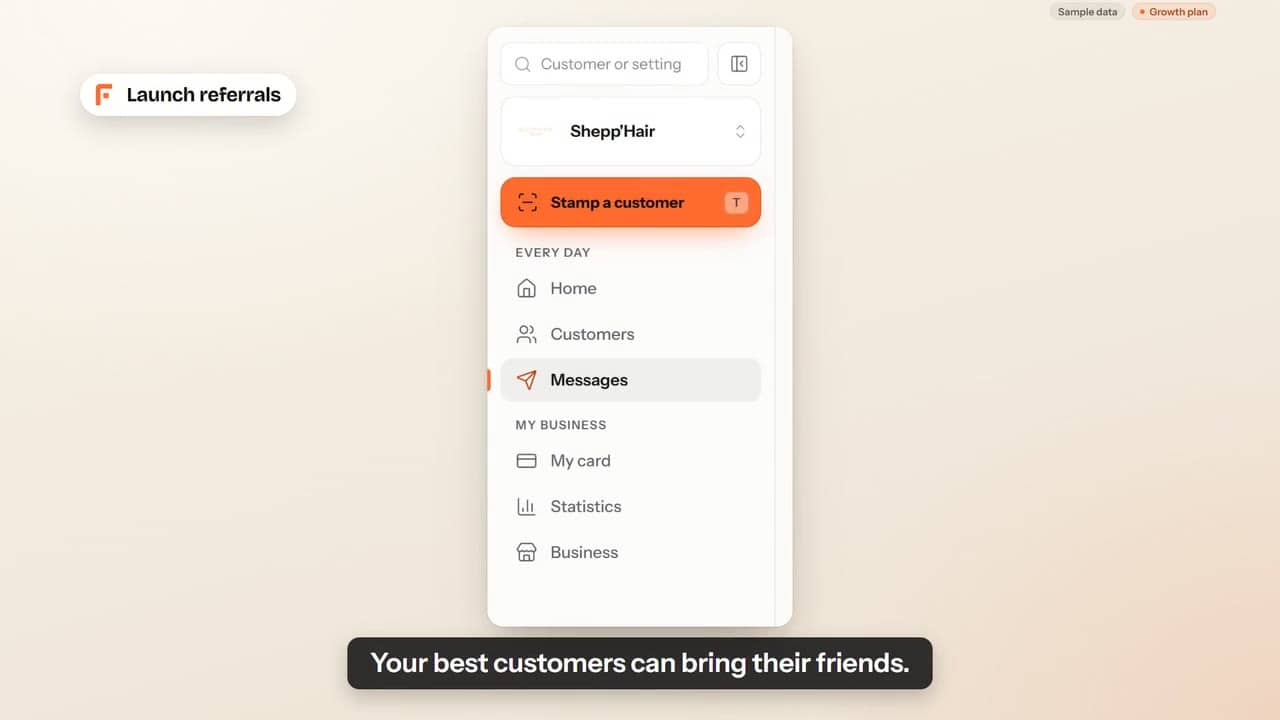 Launch referrals25 s
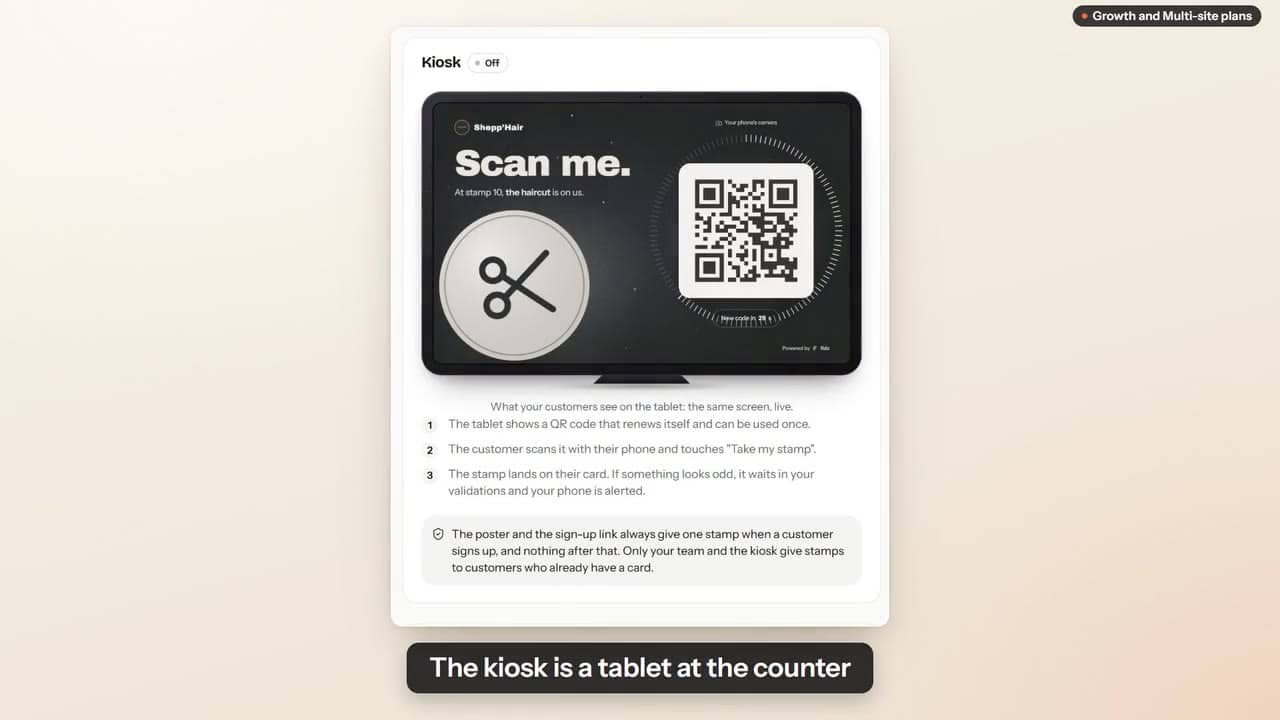 The kiosk: customers stamp themselves37 s
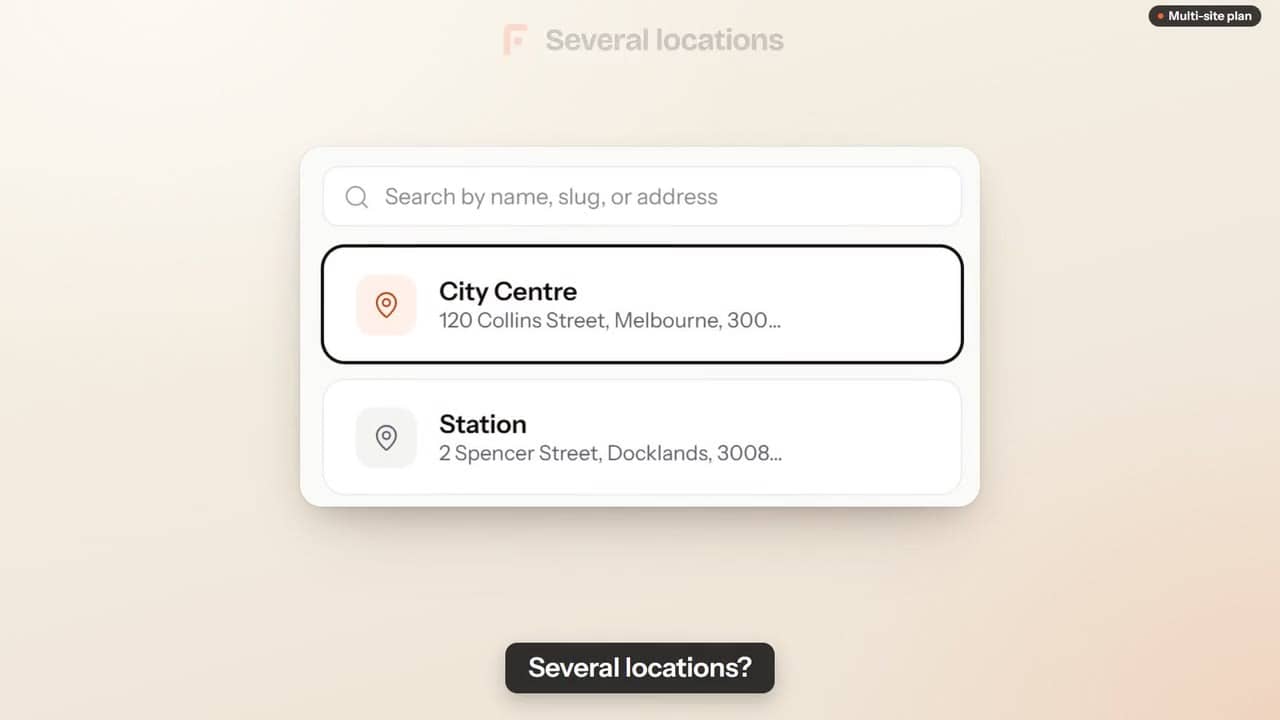 Several locations28 s
Getting started
First-day setup & quick wins
- Get your loyalty program live in 15 minutesThe fastest path from signup to your first customer scan.7 min
- What happens when a customer scans your QREnd-to-end walkthrough of the customer experience.4 min
- Stamp a customer at the counterThe real staff flow: scan the wallet card, add stamps, give rewards.4 min
- Train your staff in 90 secondsThe bare minimum your team needs to know.2 min
- Staff roles and permissionsInvite your team and control exactly what each person can see.4 min
- Several employees on one phone"Who's scanning?": each employee stamps in their own name on the counter phone, with or without a code.4 min
- Import an existing customer listBring your contacts over via CSV, and if you want the stamps or points of the old card too.3 min
- Watch live activitySee scans happen in real time.2 min
- Read your statisticsWhat the Figures page tells you, in plain words.3 min
- Manage multiple locationsAdd venues, see performance per site and what extra locations cost.2 min
Loyalty card
Design, rules & wallet customisation
- Customise your loyalty card designModels, colours, stamps, reward, draft and publishing.5 min
- Set up your reward rulesStamps vs points, reward menu, welcome gift, limits and safeguards.4 min
- Choose your card languageThe language your customers read, what it changes and where to change it.3 min
- Multilingual scan pageWhich language the scan page opens in, and how customers switch.2 min
- Kiosk mode: let customers stamp themselvesA tablet at the counter shows a QR code that changes. Your customers scan it and take their own stamp, within the limits you set.4 min
Broadcasts & push
Marketing automations and broadcasts
- Send your first push broadcastStep-by-step for a happy-hour or weekend promo push.4 min
- Automations: the work that runs while you sleepWelcome, win-back, birthday, almost-there nudge, review request.4 min
- When your automatic messages go outSending times, and the rules that stop a customer getting the same message twice.3 min
- The e-mails sent to your customersWhich e-mails go out in your name, to whom, and how a customer unsubscribes.3 min
- Run a referral programTurn loyal customers into recruiters with a bonus both ways.2 min
Google reviews
Automate 5-star reviews
Billing
Plans, trial, invoices, taxes, cancellation
- Plans, pricing, and what's includedSolo, Growth, Multi-site: what differs.3 min
- Your 14-day free trial, day by dayWhat happens during the trial, when you are charged, and how to stop without paying.3 min
- Billing, invoices and taxesWhere to find your invoices, and what taxes apply.2 min
- Cancel your subscriptionHow to cancel and what happens to your customer data.3 min
- Payment failed or program pausedWhat happens, for you and your customers, when a payment fails, and how to switch everything back on.4 min
- Export your customer listDownload your data anytime, no contract lock-in.2 min
Troubleshooting
Common issues & fixes
Can’t find your answer? Email hello@fidz.app